
Excel Foundations · Part of the EiP Academy
Excel Foundations for Real Estate Analysts
Build a strong foundation in Excel with the essential functions, shortcuts and formatting techniques you need for real estate financial modelling.
Beginner
7.5 CPD hours

about this course
Excel for property, not generic tutorials
This course teaches the Excel skills behind real estate financial modelling, investment analysis and commercial property reporting.
It uses practical property examples rather than generic tutorials, and shows you how to work faster, avoid common spreadsheet mistakes and build cleaner models.
Who this course is for
Aspiring real estate analysts and graduates
Surveyors and valuation professionals
Real estate investment and development professionals
Students preparing for analyst or modelling roles
Professionals moving into commercial real estate
Anyone strengthening their Excel modelling foundations
What you'll end up with
This is what you'll learn to do
By the end of the course, you will move around Excel with confidence and build a clean, beginner-friendly property model.
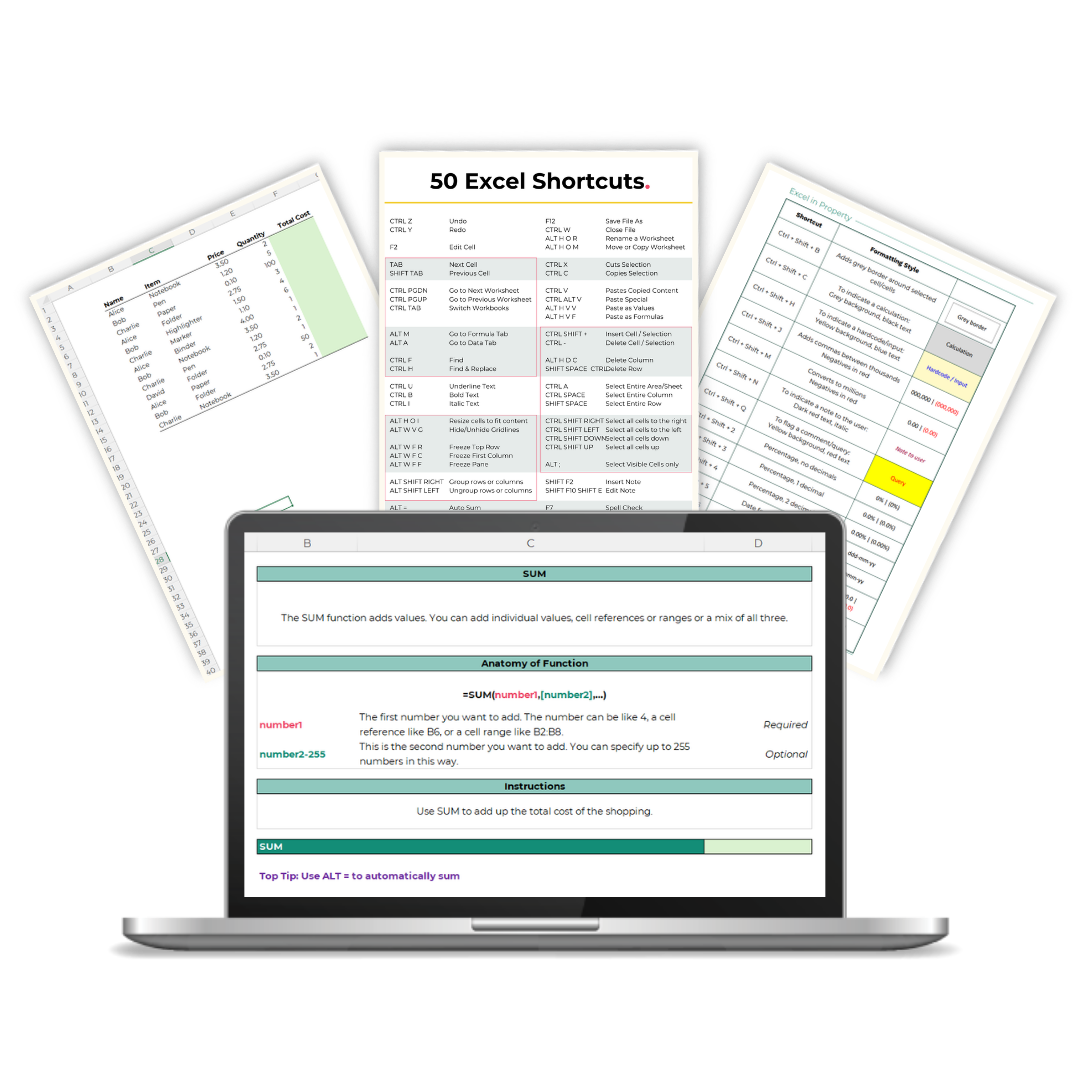
Move around Excel quickly with keyboard shortcuts
Format a workbook so it is clear to read and ready to present
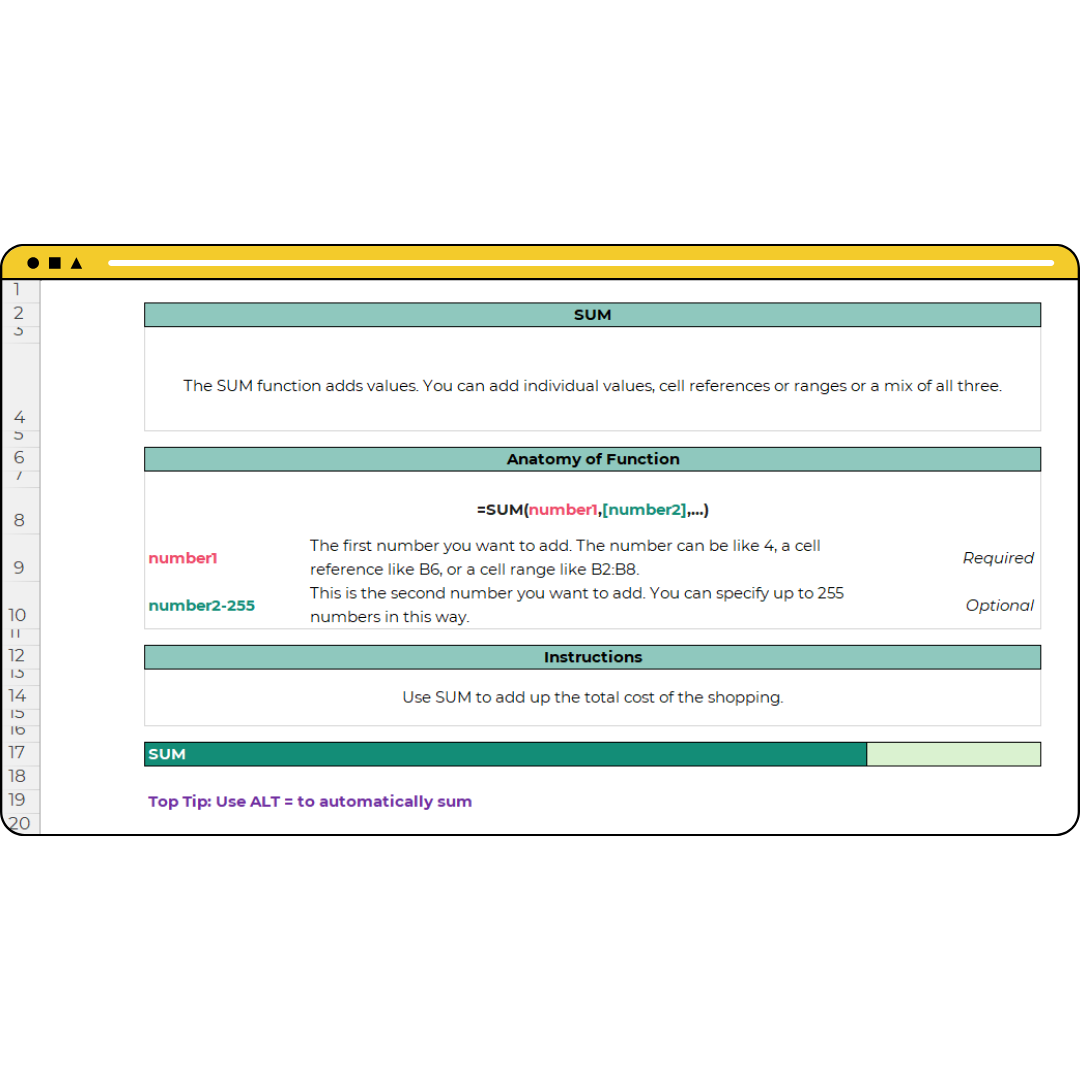
Use the functions analysts rely on every day, including SUM, IF, INDEX MATCH and IFERROR
Use key real estate functions like IRR and NPV
Spot, trace and fix errors before anyone else sees them
What you will learn
Skills you can use at work straight away
Keyboard shortcuts and navigation
Relative and absolute references
Formatting for analysis and reporting
SUM, IF, INDEX MATCH and IFERROR
Dates with EOMONTH and EDATE
IRR, XIRR, NPV and XNPV
Conditional formatting and drop-downs
Error checking and troubleshooting
Practical examples
Excel examples and downloadable files to work through.
Supporting materials
Everything you need alongside the lessons.
Academy access
Included in the EiP Academy, with future updates while your membership is active.
Want more than one course?
Get all our courses in the EiP Academy
All of our courses, the EiP Model Library and a community of property professionals, in one membership.
FAQs
Is this course suitable for complete beginners?
Yes. It starts with the basics, such as the ribbon, saving and formatting, and builds up to the functions analysts use every day. You do not need advanced Excel knowledge before you join.
Is this a generic Excel course?
No. The examples come from commercial property, so you practise on property tasks such as reviewing a tenancy schedule rather than made-up sales data.
Which Excel functions does the course cover?
Dozens of functions and tools, including SUM, IF, SUMIFS, INDEX MATCH, OFFSET, IFERROR, EOMONTH, IRR, XIRR, NPV and XNPV.
How long will I have access?
You have unlimited access for 12 months, in line with the EiP Academy, which is a 12-month programme. Nothing renews automatically, and you can renew when the period ends.
Do I get instant access?
Yes. Access is sent to you by email as soon as your order is confirmed.
Is this course included in the EiP Academy?
Yes. It is included in the EiP Academy, together with the other courses, the EiP Model Library and a community of property professionals. If you want more than one course, take a look at the Academy.

167-169 Great Portland Street, 5th Floor, London, W1W 5PF
© Excel in Property Limited 2026